 |
 |










Choosing when to enable the AcceleratorThe Accelerator is enabled by default with all downloads and enables you to accelerate the downloading of files. However you may sometimes want to disable it in order to download unconfigured file types (or configure the file type in DAP).
NOTE: If you have enabled this option, the "Choose download method" dialog will appear before starting a download. Choose Accelerator to enable the program and show the Download File Info dialog; otherwise choose Regular 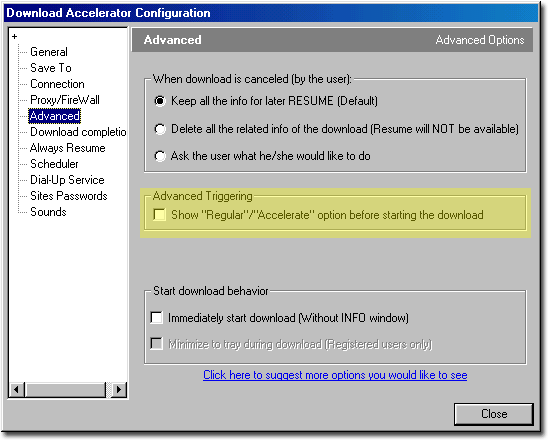 |