DAP Help
Resuming Downloads
DAP saves the required parameters of an interrupted or paused download so that it can be resumed from the point at which it stopped.
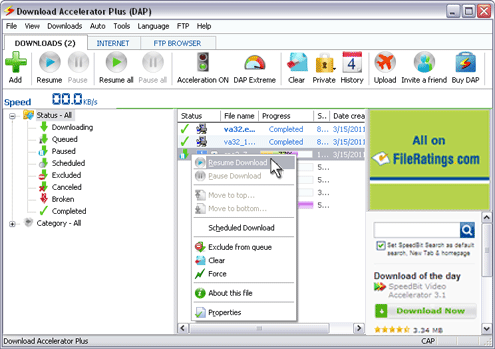
If you want to resume an interrupted or paused download, select the desired file in DAP's DOWNLOADS tab, and click the Resume toolbar button.
Alternatively, you can right-click on the paused download and choose Resume Download.
You also have the option to resume all broken or interrupted downloads. To do this, simply click the Resume All toolbar button.







Custom Search