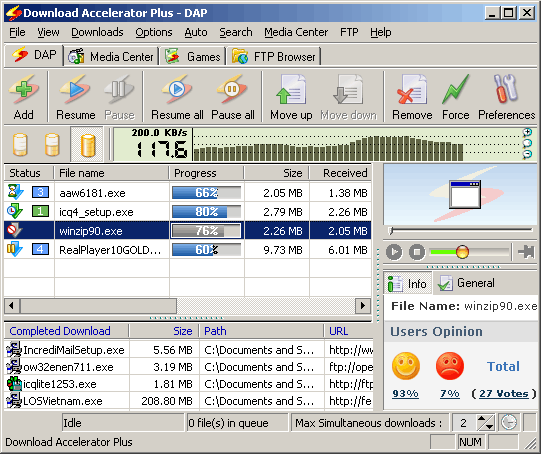
Download Accelerator Plus is configured to save
the required parameters of an interrupted download so that
it can be resumed from the point at which it was interrupted
once the 'Resume' command has been given.
If you want to resume an interrupted download, choose
the desired file and click the Resume button. displayed
after a download interruption.
Alternatively, you can right-click on the paused download
icon when minimized in the system tray (Premium version
only) and choose 'Resume Download'.
You can resume and pause your downloads from the 'Suspend/Resume'
button inside the download window. |